
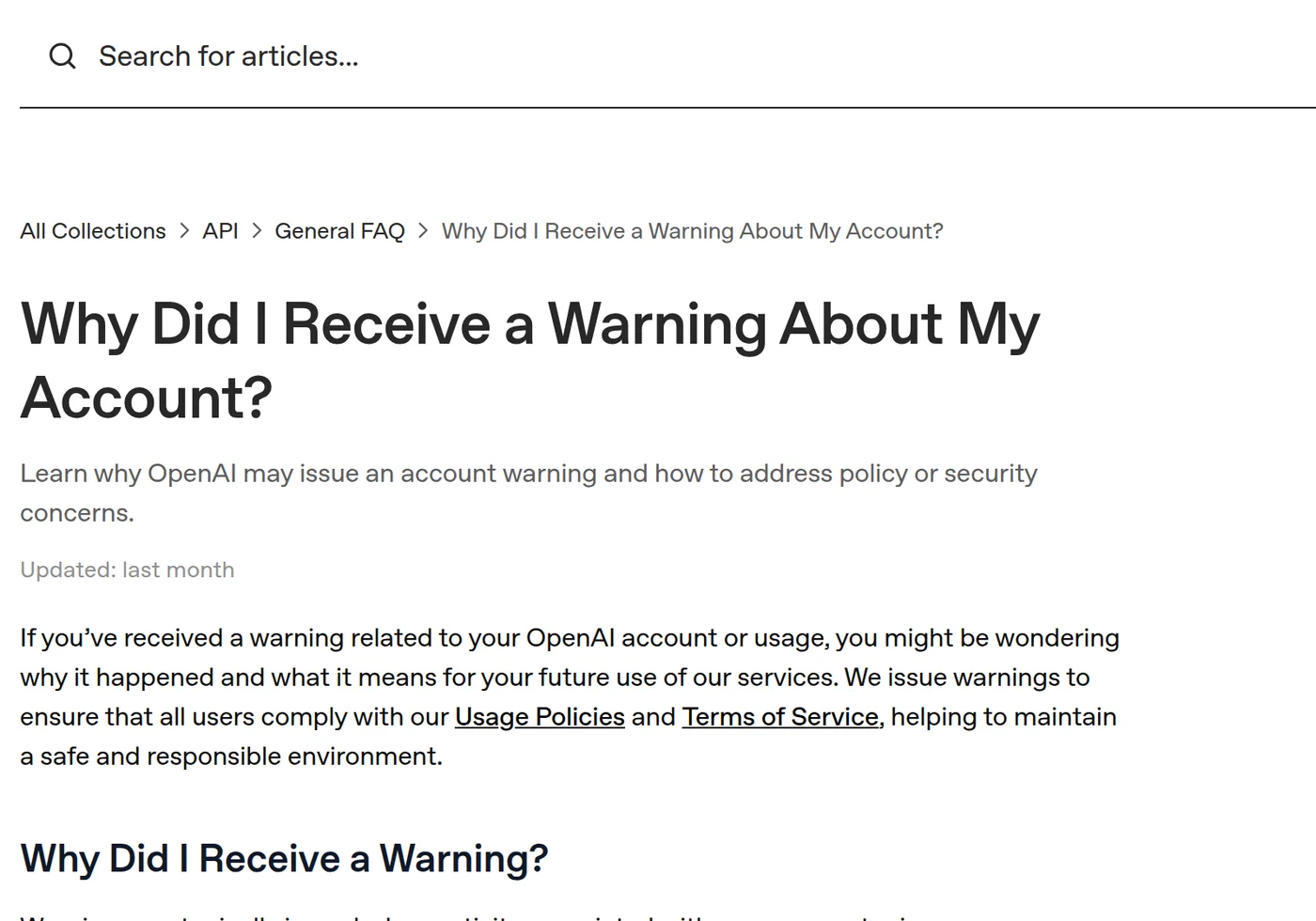
People usually ask this question in one of two states: they have just received a warning, or they cannot sign in at all. Those are different situations, and mixing them up leads to bad advice. According to OpenAI's own help pages, a warning is a notice that asks you to adjust how you use the service, while a deactivation is an account-level action that can follow repeated or serious violations — or other causes such as a breach of the Terms of Service or an incomplete verification. This page explains what each one means, what the policies actually prohibit, and how to respond without making the situation worse.
Warning, restriction and deactivation are not the same
| What you see | What it means | Reasonable next step |
|---|---|---|
| A refusal or an in-product warning | One request was judged to conflict with the policies; the service declines it | Re-read the request, make the purpose and context explicit, or change topic |
| A warning about the account | OpenAI says activity on the account raised policy or security concerns | Review usage, keep credentials secure, and correct the behaviour it describes |
| Account deactivated (cannot sign in) | An account-level action, explained by OpenAI as following policy or Terms violations, security concerns, or incomplete verification | Appeal through the official channel described in the notification email |
There is no published rule such as "three warnings equals a ban". OpenAI's warning page says continued violations after a warning may lead to further restrictions or permanent deactivation, but it does not publish a threshold, and any specific "x strikes" figure you read elsewhere is not an official rule.
What the policies actually prohibit
The rules live in two documents that change over time: the Usage Policies and the Terms of Use. The Usage Policies are written around protecting people, and the categories OpenAI lists as prohibited include, among others, child sexual abuse material, violence and self-harm, fraud and deceptive practices, hate and harassment, and certain other illegal or harmful content. Always read the current page rather than a summary, because wording is revised.
The important point is that the check is about intent and context, not a fixed keyword list. "Explain how SQL injection works so I can defend an internal app" and "give me a working exploit for a site I do not own" can contain the same words and mean different things. When a request is refused, the useful move is to re-read your own wording and see how it could have been read as the harmful version.
Why an account warning is issued
OpenAI's help page groups the common triggers into three areas: content that conflicts with the usage guidelines, attempts to bypass the built-in safety systems, and misuse of the platform (for example automated spam or phishing, sharing API keys, or abnormal usage patterns). Notice that two of the three are about how you use the service, not only what you asked. Repeatedly probing for a way around a refusal is itself one of the behaviours the page describes.
A warning is not proof that you did something illegal, and it is not proof of innocence either. Treat it as a signal to check your own logs: what was requested, by which account, and whether anyone else has access to that account.
How to respond to a warning
- Read the notice and the linked policy. Identify which category the message refers to before changing anything.
- Find the request or feature it points at. Keep a copy of the prompt and the response; it helps if you later appeal.
- Rewrite with explicit purpose and context. Say what you are doing and why, and drop anything that only exists to get past a filter. This is not a trick to defeat the system — it is the difference between a legitimate professional question and its suspicious twin.
- Change the approach, not the disguise. Synonyms, encodings or a proxy to defeat a refusal fall into the "bypass" category and can turn a warning into something worse.
- Secure the account. If anyone else may have used it, rotate the password and API keys.
When it becomes a deactivation — and how the appeal works
OpenAI's deactivation page lists three broad causes: a violation of the Usage Policies, a breach of the Terms of Service, and security concerns such as incomplete identity or age verification. If you believe the action was a mistake, the page instructs you to use the appeal link in the notification email; if you cannot access that email, it points to the official intake form (openai.com/form/appeal/), and to the Help Center chat if you received no email. The appeal is reviewed by OpenAI — no third party can guarantee a result, and paying a "recovery" service is not a shortcut.
This page covers the policy picture. If your account has already been flagged or deactivated and you want the step-by-step appeal walk-through, the dedicated article on flagging and appeals goes deeper.
What not to do
- Do not hunt for bypass methods. Attempting to circumvent safety systems is one of the listed warning triggers.
- Do not open a new account to repeat the same behaviour. It does not restore access and can breach the Terms.
- Do not rely on rumoured strike counts. There is no published "x warnings" rule to plan around.
- Do not hide the real purpose. A false "for research" claim can turn a misjudgement into a deliberate violation.
A short self-check for professional use
- Does the request state the legitimate goal and the setting?
- Would the same answer be harmful if it fell into the wrong hands?
- Are you working with your own data, or someone else's private data you have no right to use?
- If this were refused, would your next step be to clarify — or to disguise?
简体中文 · English · 日本語 · 한국어 · 繁體中文
Sources
- OpenAI — Usage Policies
- OpenAI — Terms of Use
- OpenAI Help Center — Why Did I Receive a Warning About My Account?
- OpenAI Help Center — Why Was My OpenAI Account Deactivated?
Policy wording and help pages change; confirm the current text on the official pages before acting. This page is an editorial explanation, not legal advice.