
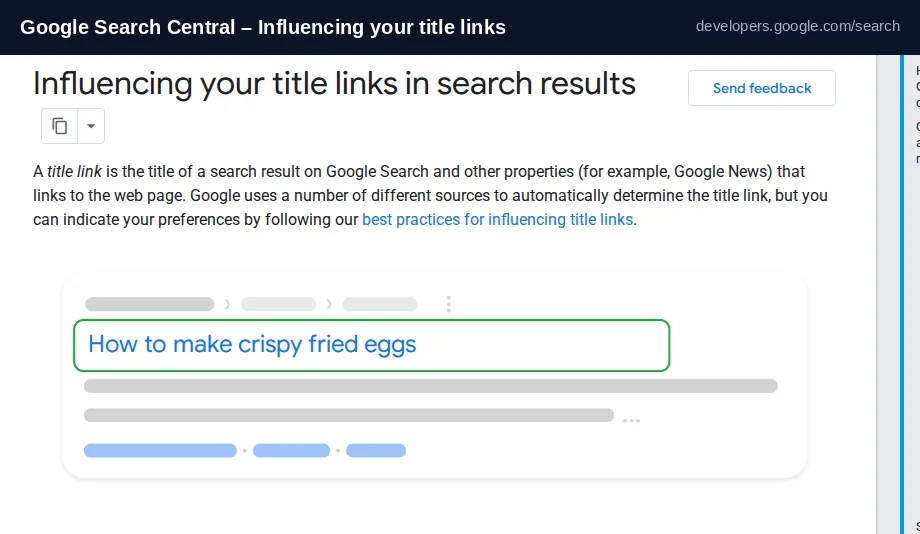
You didn't change your <title> element, yet Google shows something different in the results. Sometimes it is shorter, sometimes it uses your H1, sometimes it even drops your brand. This is normal and documented: Google calls the clickable headline a title link, and it builds that title link automatically from several sources. You cannot set it by hand, but you can make it far more likely that Google keeps what you wrote. Here is why rewrites happen and what to do about each cause.
Title tag vs title link: the difference that explains everything
The <title> element is what you publish. The title link is what Google chooses to show. Google's documentation is direct: generation of title links is completely automated and draws on both the page content and references to it elsewhere on the web. So a mismatch is not a bug — it is Google preferring a different, and in its estimate better, piece of text for that query.
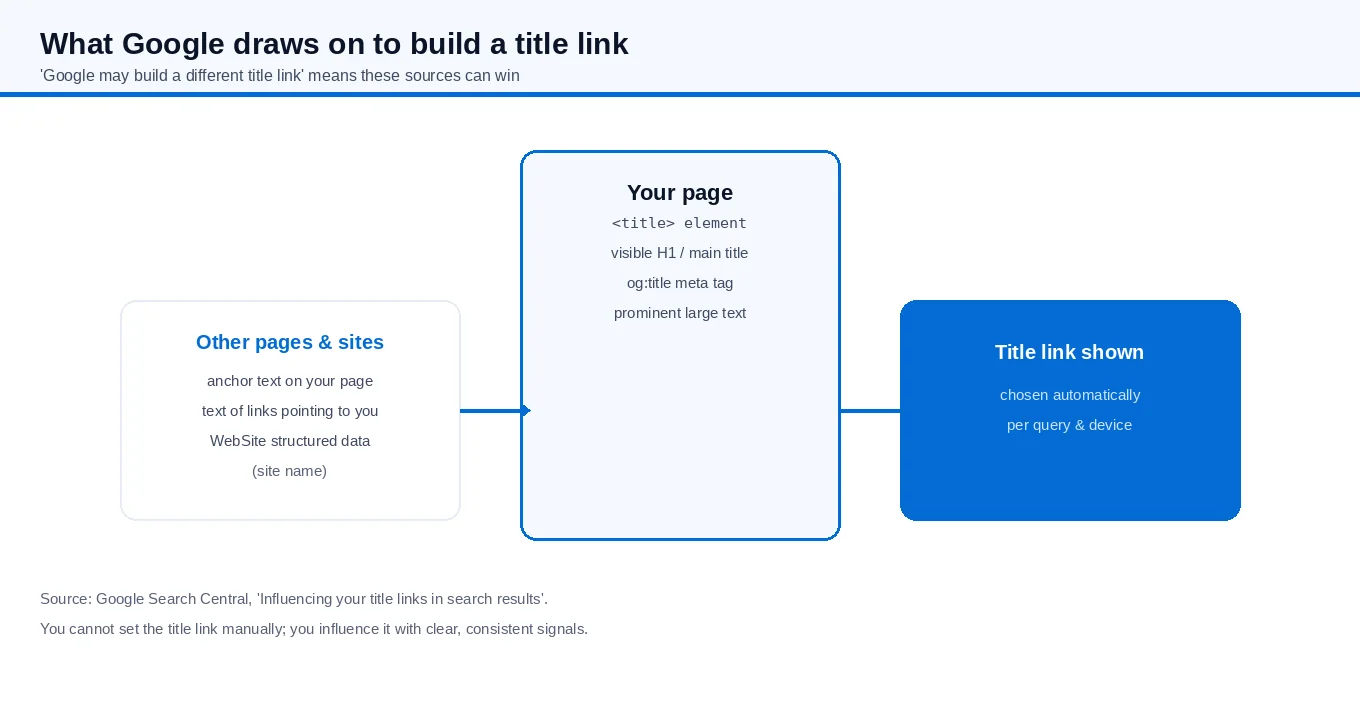
What Google draws on to build the title link
Knowing the source list tells you where to put effort. According to Google, the title link can come from any of these:
- Content in the
<title>element - The main visual title shown on the page
- Heading elements, such as
<h1> - Content in
og:titlemeta tags - Other large, prominent text
- Other text on the page
- Anchor text on the page
- Text of links from other sites pointing to the page
WebSitestructured data (for the site name)
That is why a rewrite often makes sense: if your <title> is vague but your H1 is specific, Google may use the H1. If an external site links to you with clearer anchor text, that can appear. You influence the title link by making your signals consistent, not by finding a hidden setting.
The seven issues Google adjusts for
Google's documentation lists specific problems it tries to correct. Find your case here first — most "why did Google change my title" questions are one of these.
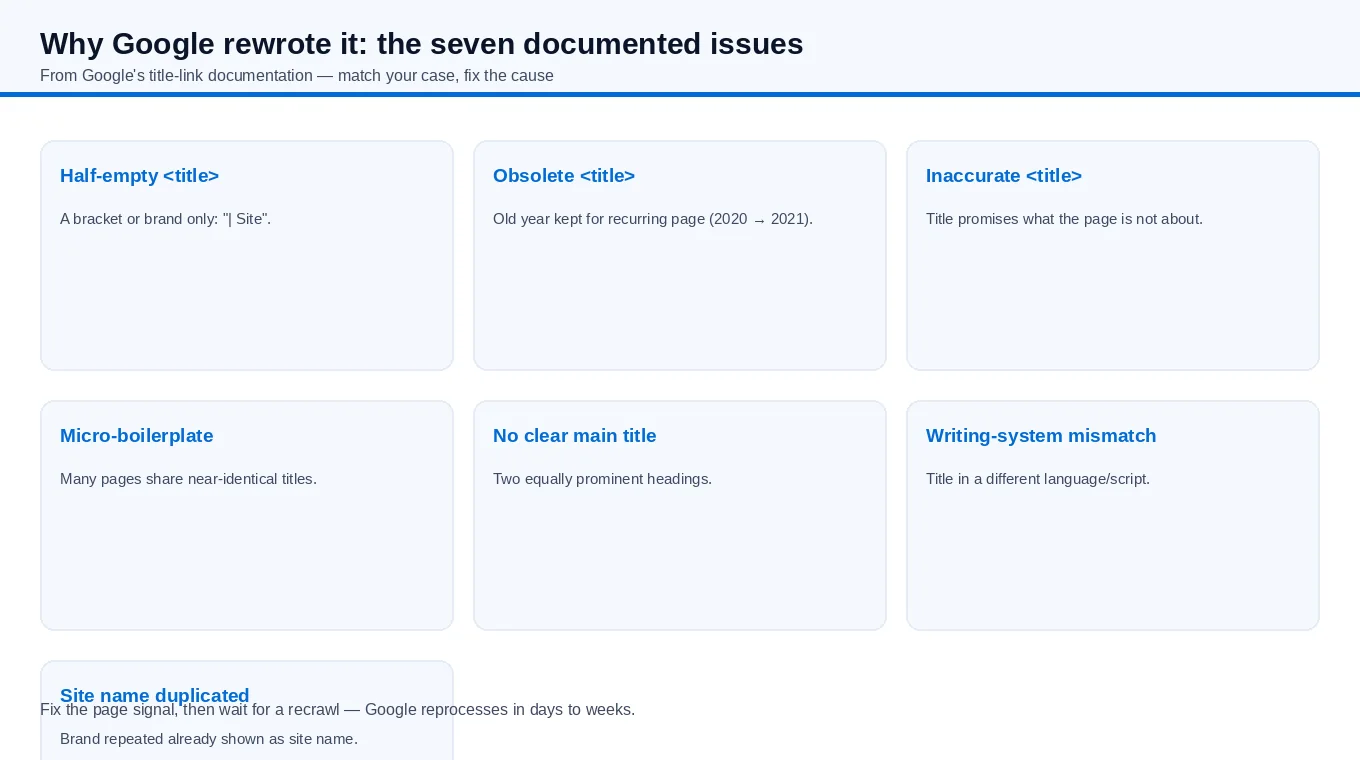
| Issue | Example | Fix direction |
|---|---|---|
| Half-empty title | <title>| Site Name</title> | Write a real descriptive title, not a delimiter and brand only |
| Obsolete title | Page says 2026 but title says 2020 | Keep recurring pages' titles current |
| Inaccurate title | Title promises a topic the page is not about | Make the title reflect actual content |
| Micro-boilerplate | Many pages share near-identical titles | Make each page's title distinct |
| No clear main title | Two headings of equal prominence | Make one main title visually dominant (first visible H1) |
| Writing-system mismatch | Page in Hindi, title in English | Match the title's language and script to the page |
| Site name duplicated | Brand repeated already shown as site name | Let the site name appear once |
Writing a title Google is more likely to keep
The best practices read like common sense, and they are also the least buggy way to get consistency:
- Give every page a title. No page should rely on Google to invent one.
- Be descriptive and concise. "Home" or "Profile" is useless; also avoid long, verbose strings. There is no formal length limit, but the link is truncated to fit the device width.
- Skip keyword stuffing. "Foobar, foo bar, foobars" looks spammy to users and Google.
- Avoid boilerplate. Titles that vary by one word across a catalogue are hard to tell apart; update them dynamically to match each page.
- Brand concisely. Put the site name at the start or end with a delimiter, and don't repeat it on every page more than needed.
- Make the main title obvious. Use one clearly prominent heading, ideally the first visible
<h1>. - Match language and script of the
<title>to the page's main content. - Don't put flight prices in
<title>— Google is unlikely to show them, since they change too fast.
What you cannot do, and what to do instead
There is no field, tag or request form that sets your title link. Google states it cannot manually change title links for individual sites. So the practical loop is: fix the on-page signal (title, H1, headings, language consistency), make sure no clear-main-title problem exists, then request a recrawl. Google must reprocess the page to notice updates, and that can take from a few days to a few weeks.
When the shown title is a better fit for the query than your <title>, one more honest option is to update your <title> to match what Google already prefers. If Google consistently picks your H1, your <title> was probably the weaker text.
Short answer
Google rewrites title links because it can, automatically, from a list of sources including your H1, headings and inbound anchor text. To influence it, write a clear, unique, accurate <title> that matches your visible main title and the page's language — and fix the specific issue it is correcting for. There is no control to force it, and no guarantee, but consistent signals are what raise the odds.
If titles and on-page signals are part of a broader cleanup, our SEO services describe how on-page, technical and content work fit together.