
Search Console shows a sitemap problem and the wording is easy to misread: "Couldn't fetch", "Sitemap can be read, but has errors", "Temporary error". These are not the same failure, and the wrong reaction — immediately deleting and re-submitting the sitemap on repeat — can make a temporary glitch look like a permanent one. Here is how to tell them apart and what actually fixes each.
The three states, and what they mean
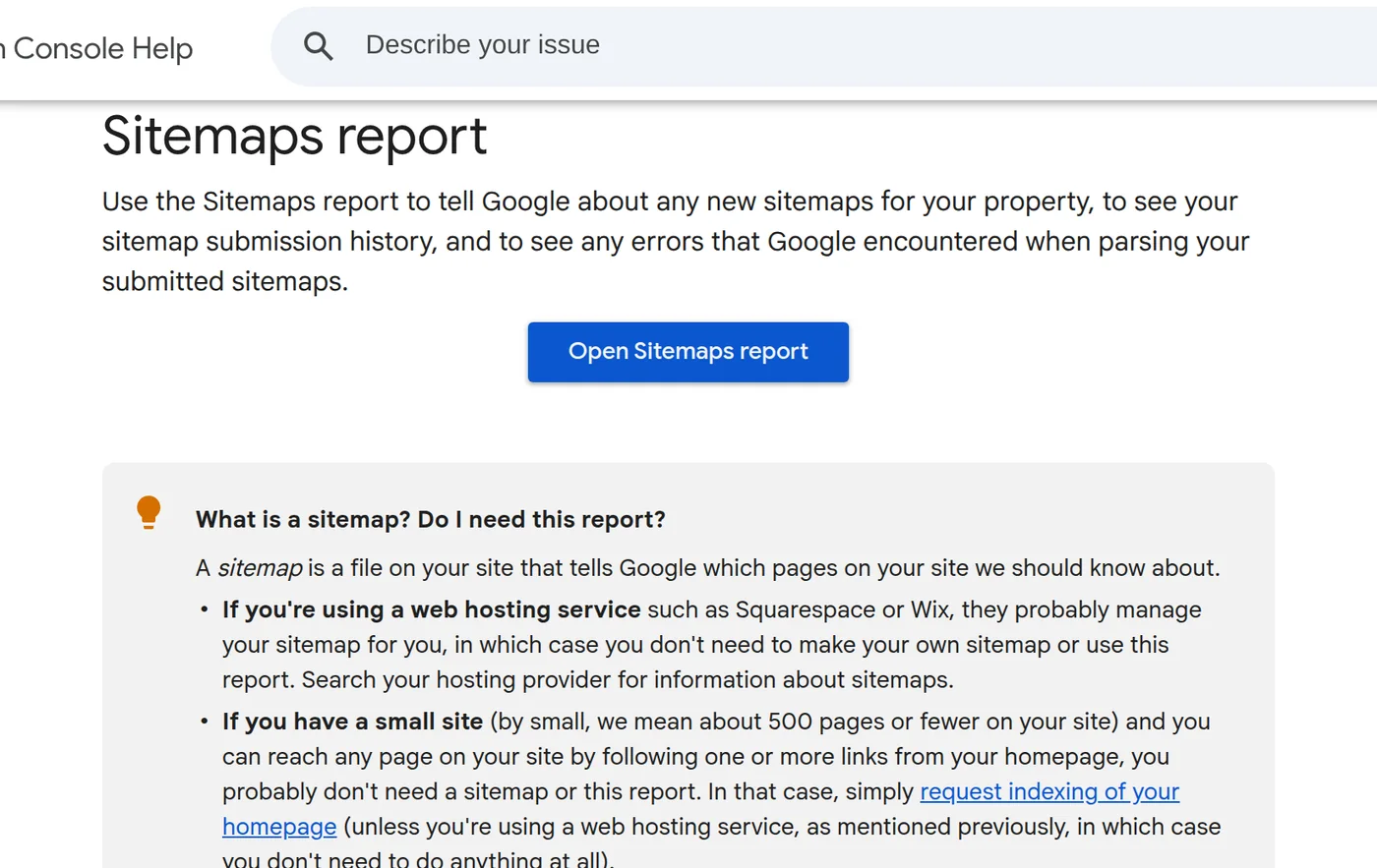
According to Google's Sitemaps report documentation, a sitemap submission ends in one of these states:
| Status or message | What it means | First action |
|---|---|---|
| Success | The sitemap was fetched and read with no errors | Nothing; URLs are queued for crawling |
| Couldn't fetch | Google could not retrieve the sitemap file itself | Open the sitemap URL in a browser, then run a live URL Inspection on it |
| Sitemap can be read, but has errors | The file was fetched and partly read, but some entries are invalid | Open the sitemap row and read the specific error list |
| Temporary error (a parsing message) | Google hit a transient problem processing the sitemap | Usually do nothing; it retries. Re-submit only if it persists for hours |
The key distinction is between the file being unreachable and the file being reachable but malformed. "Temporary processing" is a third thing again: the file was fine, the system was busy.
"Couldn't fetch": the sitemap file is unreachable
Google lists the usual causes, in rough order of frequency:
- Blocked by robots.txt. Google respects robots.txt even when fetching a sitemap. If a rule disallows the sitemap path, this is the result.
- An unresolved manual action. Sitemaps are not read while a manual action is open. Check the Manual actions report.
- Wrong URL or 404. The submitted address may not be the one that exists. Open it in a browser.
- Server errors or unavailability. A 5xx at fetch time produces this state; it can be transient.
- Low crawl demand. Google is explicit that a site with little demand can be crawled less often, so a fetch may be delayed rather than truly failing.
How to verify it quickly
- Copy the exact sitemap URL from the report (redirects are not followed, so the exact string matters).
- Paste it into the URL Inspection tool and run a Live test.
- Expand Page availability and confirm Crawl allowed? is "Yes" and Page fetch is "Successful".
If the live test succeeds, the earlier failure was probably transient; give it time before resubmitting.
"Read, but has errors": the file reached Google but has invalid entries
This is a real, fixable problem, and the report tells you which one it is. Common parsing errors and their fixes:
- Invalid date. Dates must use W3C Datetime form, for example
2025-02-21or2025-02-21T18:00:15+00:00. If you include a time, you must include a timezone. - Invalid URL. Spaces, quotes or unescaped characters break the entry. URLs must be properly encoded and escaped.
- Too many URLs. A single sitemap allows up to 50,000 URLs and 50 MB uncompressed. Split larger sets and use a sitemap index.
- URL not allowed. An entry points above the sitemap's directory or to a different domain — for example a non-www URL inside a www sitemap.
- Parsing error. Usually an unescaped character (such as
&) in a URL. Escape it as&. - Incorrect namespace or format. The root element must use
http://www.sitemaps.org/schemas/sitemap/0.9, spelled exactly.
Fix the reported error, then re-submit once. Submitting repeatedly without a change does not speed anything up.
"Temporary error": usually wait, then resubmit
Google's own guidance is that when you see a temporary processing problem you generally do not need to resubmit — the system retries on its own. If the state is still there after several hours, fix anything obviously wrong and submit once more. A temporary error is not evidence that URLs were dropped; previously read sitemap data is remembered.
What a sitemap problem is not
- It is not the same as pages not being indexed. A sitemap is a hint for discovery. A "Success" sitemap does not mean every URL is indexed, and a fetch error does not by itself remove pages from the index.
- It is not a ranking issue. Sitemaps help Google find URLs; they do not improve ranking.
- It is not fixed by deleting the sitemap. Removing it from the report stops Google reading it. That is the opposite of what you want here.
A short triage order
- Read the exact status — fetch problem, parsing problem, or temporary?
- For a fetch problem: test the exact URL live, check robots.txt and manual actions.
- For a parsing problem: read the listed error and fix that specific entry or format rule.
- For a temporary error: wait; resubmit only if it persists for hours.
- Confirm the property matches — http/https and www/non-www are different properties, and a sitemap in one is invisible in another.
Guangsuan (光算) handles sitemap and indexing cleanup as part of its Google SEO service. If the sitemap reads fine but specific pages are still not indexed, the problem is usually elsewhere — start from diagnosing new-site or indexing visibility.
Sources
- Search Console Help — Sitemaps report
- Google Search Central — Build and submit a sitemap
- Search Console Help — URL Inspection tool
Status names and error messages are Google's and can change; confirm the current wording in the report and the linked documentation.