
How often should you update a sitemap? There is no Google-approved "daily for blogs, weekly for stores, monthly for companies" schedule, and the <changefreq> value you put in the file does not set a crawl interval. The honest answer is: update the XML when the set of important URLs changes, and give each URL a truthful <lastmod> only after that page genuinely changed. A sitemap helps discovery; submitting one does not guarantee that Google downloads it, crawls every URL, or indexes it. Google's sitemap guide describes submission as a hint, not a timing control.
The one-line answer
- New URL goes live → add it (generate the file on publication, not on a pointless hourly job).
- Existing page is meaningfully revised → update that URL's
<lastmod>, and make the visible article match the claimed date. - Page is removed and returns 404/410 → remove it from the sitemap; do not redirect it to an unrelated page just to avoid a 404.
- Nothing material changed → change nothing. A rebuilt file is not a modification of every page inside it.
Choose URLs before choosing a refresh interval
List the absolute, preferred URLs you want in Search: published articles, useful category pages, products with a viable page, and substantive service pages. Exclude drafts, login-only pages, redirects, permanently removed pages, and duplicate filter or tracking URLs. Make the sitemap URL, internal links, redirect destination and declared canonical agree; a sitemap is one canonicalization signal, not a command that overrides conflicting pages. Google specifies fully qualified URLs and a limit of 50,000 URLs or 50 MB uncompressed per file; split larger sets and optionally submit a sitemap index. Separate sections by URL type if that helps you find errors, not because Google requires a file per section.
For example, if https://example.com/guides/sizing redirects to /guides/sizing/, put the final absolute URL in the sitemap and link to that version. If a deleted article returns 404, remove it from the sitemap, but do not redirect it to an unrelated homepage merely to avoid a 404. Conversely, a temporarily unavailable product with an informative live page need not disappear just because its stock reaches zero: decide whether the page still serves shoppers and remains indexable.
When is <lastmod> useful — and when might Google ignore it?
Google says it uses <lastmod> if it is consistently and verifiably accurate, for example when it can compare it with the page's last modification. It should reflect the last significant update to a page: changed main content, structured data or links on that page can qualify; a copyright-year change does not. Google ignores <priority> and <changefreq> altogether. These boundaries come from its XML sitemap notes. It is reasonable to omit lastmod if the CMS cannot record meaningful page changes reliably, rather than generate today's date for every URL.
Keep the timestamps distinct: article publication date is not necessarily the page modification date, and rebuilding a sitemap file is not a modification of every page inside it. A corrected technical recommendation, a rewritten comparison, or an important updated on-page link is a plausible reason to change that URL's lastmod. A theme-wide footer copyright change, a sitemap regeneration, or a batch touch of database rows without substantive page change is not. A product's visible price or availability and matching structured data may count when changed on the page; an internal inventory event that never alters its public page does not. If all URLs suddenly share the export time, investigate the generator before submitting the file.
Different publishing models need different triggers
Blogs and evergreen guides
Add a new canonical post when it goes live; update an existing entry after a genuine revision, and keep its older URL if the content is still relevant. A small blog can generate its sitemap on publication without running a pointless hourly job. When refreshing a guide, record what materially changed and make the visible article match the claimed date. For a single important post that remains missing, the URL Inspection tool shows Google's last crawled version and lets an eligible property user test the live page; repeated requests do not resolve a stale or blocked page.
News publishers
A genuine news publisher can use a news sitemap extension or a separate news sitemap for newly published news articles. Google says to update that sitemap as fresh articles are published, keep only articles created in the last two days in the news-specific entries (or remove their news metadata afterwards), and use the original publication time for <news:publication_date>—not the time the URL entered the sitemap. An empty news sitemap after a quiet period is acceptable. Google's news sitemap specification also caps each news sitemap at 1,000 <news:news> tags. Evergreen tutorials belong in the ordinary sitemap; a news tag does not make a non-news article newsworthy.
Ecommerce and corporate sites
For a store, automate changes from the public product page rather than every ERP transaction: new indexable products enter, discontinued pages that actually return 404/410 leave, and meaningful on-page product or structured-data revisions can update <lastmod>. Check variant and faceted URLs against the chosen canonical before export. For a corporate site, a new service page or substantial update to an existing service description is a trigger; a quiet quarter needs no invented "monthly update." The same rules apply to case studies and company pages. An accurate sparse sitemap is more useful than one where every URL pretends to be newly edited.
What <changefreq> and <priority> actually do
Short version: nothing you can rely on. Google states it ignores both. They are tolerated for compatibility with other systems and older tooling, but they do not tell Google how often to crawl or how important a URL is. If your sitemap generator writes changefreq=weekly and priority=0.8 on every URL, that is not a schedule and not a ranking hint; clean it up only if it makes the file easier to reason about, not because it will change crawl behaviour.
Submit once, then diagnose the right failure
Put the sitemap at an accessible URL and submit it through Search Console's Sitemaps report; alternatively reference it with a Sitemap: line in robots.txt, or use the Search Console sitemap API if you maintain that workflow. RSS/Atom can supplement an XML sitemap for recent posts, but a feed often only covers recent URLs. These are Google-documented submission routes; none sets a fixed crawl interval.
- If Search Console cannot fetch or parse the sitemap, open its public URL, inspect response status and XML escaping, and read the Sitemaps report error. Fix the file before resubmitting.
- If the sitemap succeeds but particular URLs are absent from Google's index, inspect a representative URL. Compare Google's last crawl, declared canonical and Google-selected canonical with the current live page; a live "available" test cannot predict canonical choice or guarantee indexing. Google explains these differences.
- If many submitted URLs are redirected,
noindex, blocked or duplicated, fix the export and the actual pages. If technically eligible pages remain unindexed, examine their unique purpose, content and internal links rather than increasing the export frequency.
Google's Indexing API is restricted to pages with JobPosting or BroadcastEvent embedded in VideoObject. Do not send ordinary blog, product or corporate URLs to it. For a sitemap that will not read at all, see the Sitemaps report error triage; for a robots.txt change, see how long Google takes to refresh it; for a broader explanation of discovery, crawl and index status, see the site-wide indexing guide.
Sources
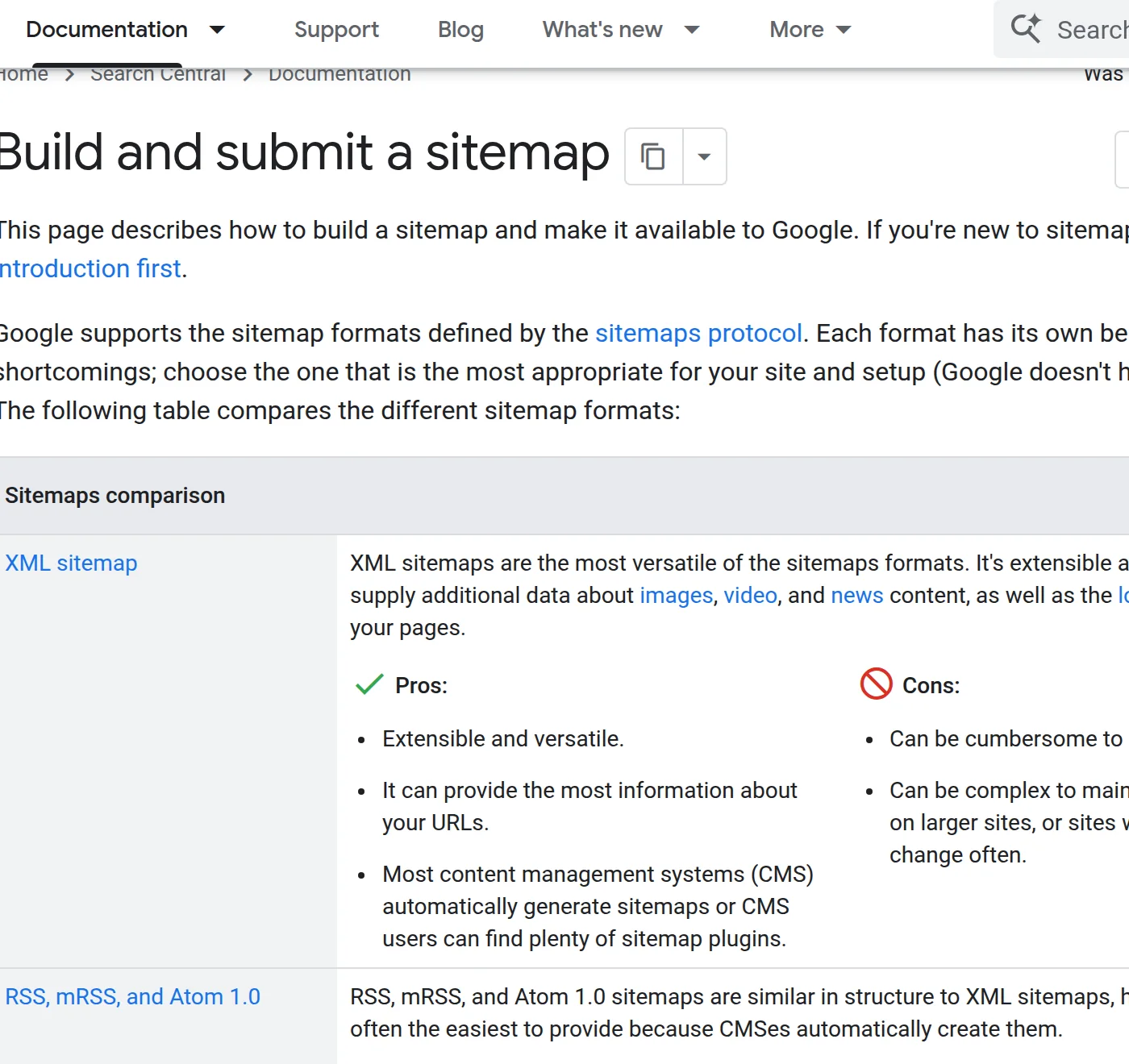
- Google Search Central — Build and submit a sitemap
- Google Search Central — News sitemaps
- Search Console Help — Sitemaps report
- Search Console Help — URL Inspection tool
- Google Search Central — Indexing API
Limit values and lastmod behaviour are Google's and can change; confirm them on the current documentation before relying on them.